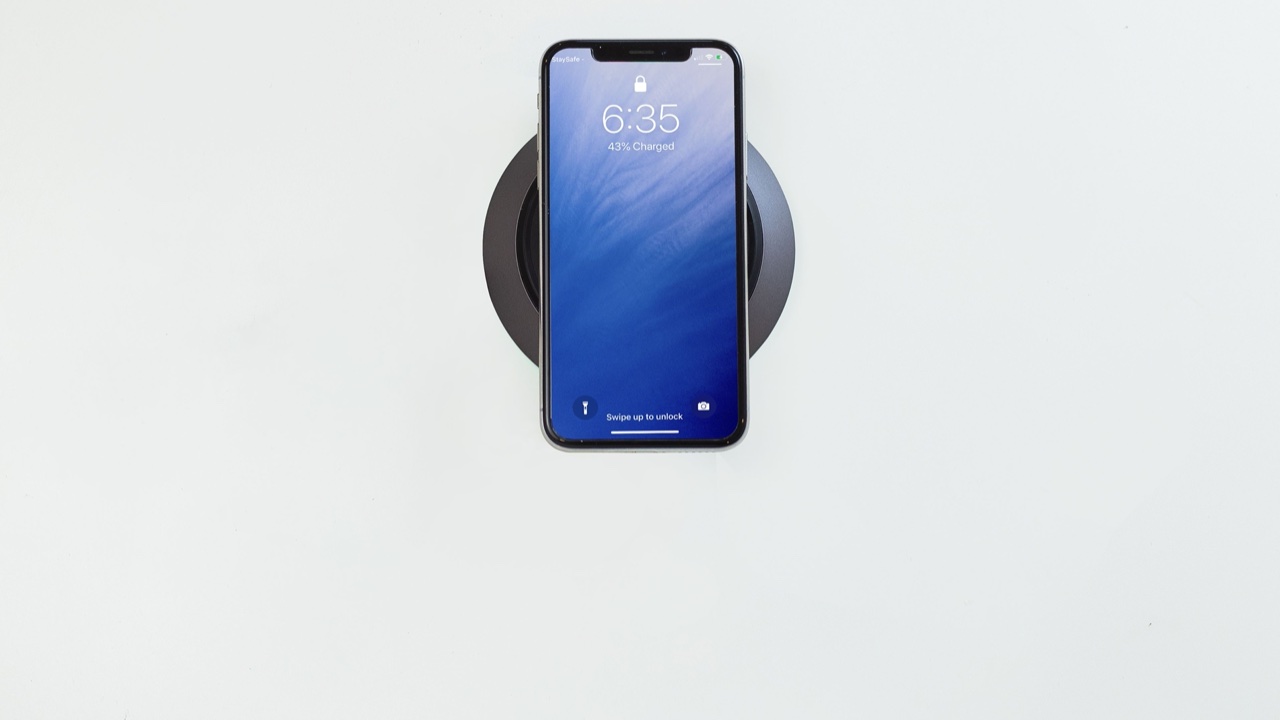
I didn’t think much about where my phone lived on my desk until I started noticing how often I was craning my neck to look at it. It sat flat on the surface to my left — face up, screen on, constantly pulling my attention down and to the side whenever a notification appeared. By mid-afternoon my neck felt it. By the end of a long week, it was obvious enough that I started paying attention to the pattern.
The problem isn’t that I look at my phone during the workday. That’s unavoidable when the phone is also a work tool — calls, messages, quick lookups, authenticator codes. The problem is the posture it creates when the phone is in the wrong position. And for most people at most desks, the phone’s default resting position is roughly the worst one available.
The Geometry of Desk Posture
The ergonomic principle behind monitor placement is well understood: the top of the screen should be at roughly eye level, positioned at arm’s length, so the neck stays in neutral and the eyes look slightly downward at the center of the display. This is the position that minimizes sustained muscular effort in the neck and upper back.
A phone lying flat on a desk violates every part of this. It’s low, angled toward you at ninety degrees from where it should be, and it requires bending your neck forward and down to read it. The phone-neck angle — the forward head tilt most people adopt without realizing it — adds significant load to the cervical spine. Do it for a few seconds and nothing happens. Do it dozens of times a day, every day, and the cumulative effect shows up as stiffness and fatigue in exactly the muscles that are already working hardest to keep your head upright.
Raising the phone changes the geometry. A stand that holds the phone upright, at or near eye level, means a glance at the screen doesn’t require a posture change. Your head stays where it is. Your eyes move, not your neck.
Why Placement Matters as Much as Height
A phone stand on the far edge of the desk is better than a flat phone but still requires turning your body to look at it. The optimal placement is slightly inside your peripheral field on whichever side you naturally glance toward — close enough that checking it requires no meaningful head movement, far enough that it’s not competing for attention with whatever you’re actually supposed to be working on.
Most people haven’t thought through this placement deliberately. They’ve set the stand wherever there’s space, which is often wherever it happens not to be in the way. The desk layout that minimizes neck movement tends to be different from the desk layout that happens by default.
It’s worth experimenting. Move the stand. See where a glance feels natural versus where it requires actually turning. The right position varies by desk shape, monitor arrangement, and which hand you use for most phone interactions — there’s no universal answer, but there is a right answer for your specific setup.
Wireless Charging as a Workflow Element
One of the practical advantages of a magsafe phone stand over a passive stand is that the phone charges continuously while it’s in the stand. This sounds like a minor convenience, but it changes how you interact with the phone across the day.
A phone that lives in a charging stand never reaches the level of low battery anxiety that pushes people into disruptive charging behaviors — propping it against the laptop, plugging it in with a short cable that puts it in an awkward position, or stopping work to find an outlet. The phone is just always at or near full charge. It’s one fewer thing to manage.
The MagSafe alignment mechanism also means placing the phone in the stand is a one-motion action. You don’t have to look at the cable, find the port, line anything up. The magnet handles it. For something you do many times a day, the friction reduction is real even if it sounds trivial.
The Attention Economics of a Visible Phone
There’s a separate ergonomics to this that has nothing to do with posture: the cognitive ergonomics of phone placement. A phone lying face-up on the desk is a constant low-grade interruption source. Every notification lights up the screen in your peripheral vision. The brain registers it whether you intend to check the notification or not — that’s how peripheral vision works. The attention cost is small per interruption, but it adds up across a workday.
A phone in a stand can be positioned so the screen faces you directly when you choose to look at it, but sits slightly outside your primary field of view during focused work. This is different from phone-face-down, which cuts off access to legitimate notifications entirely, or phone-flat-face-up, which puts every notification in your peripheral field regardless of relevance.
The stand creates a middle position: accessible on purpose, not intrusive by default.
What This Actually Changes
The practical difference I noticed after switching to a stand on the desk is smaller than I expected and more significant than I expected, simultaneously. It’s smaller in the sense that nothing dramatic changes — I still check my phone the same number of times, still do the same things with it. But the cumulative strain of all the small posture adjustments isn’t there anymore. The neck stiffness that I’d written off as just a feature of working at a computer turned out to be correlated with the phone position, not the computer. Moving the phone upright and to eye level made it go away.
That’s the nature of ergonomic problems. They’re invisible until they accumulate into something noticeable, and then they’re obvious in retrospect. The desk accessory that fixes them rarely feels transformative. It just quietly removes a source of physical cost that you’d stopped noticing was there.
A stand is a small change. The fact that it’s small doesn’t mean it doesn’t matter — it means the cost of making it is low relative to what it fixes.